
Designing Scalable Architecture for Large Vue 3 Applications
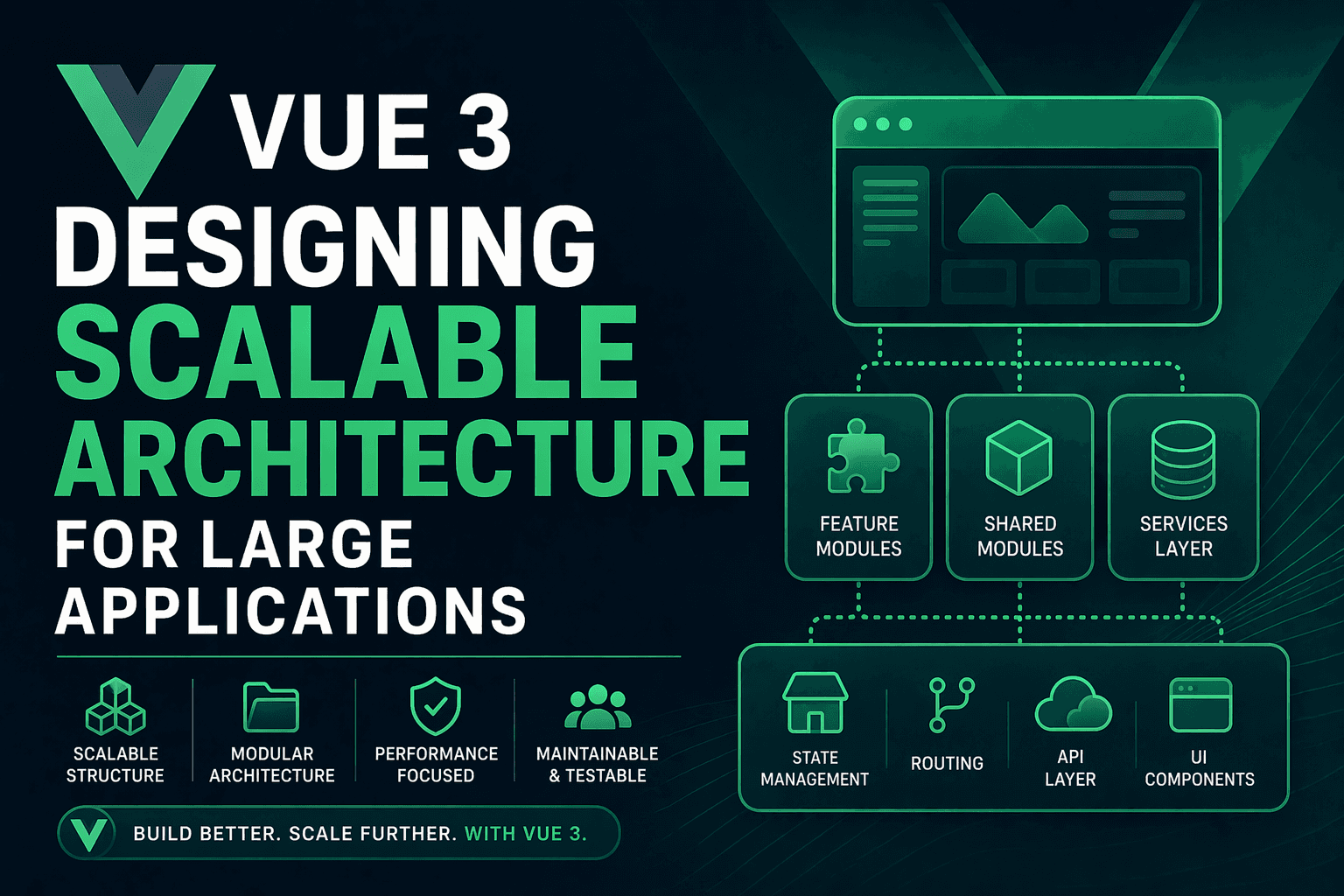
As Vue 3 continues to power modern front-end applications, developers are increasingly building large-scale, enterprise-grade systems using it. While Vue is flexible and easy to start with, scaling it to a complex application requires careful architectural decisions.
In this guide, we will explore how to design a scalable architecture for large Vue 3 applications, focusing on structure, state management, performance, and maintainability.
Why Architecture Matters in Large Vue Applications
Small Vue apps can survive with simple folder structures and minimal patterns. However, as your application grows, poor architecture leads to:
- Tightly coupled components
- Difficult debugging and maintenance
- Slow performance due to unnecessary re-renders
- Hard-to-scale state management
A well-designed architecture ensures that your Vue application remains modular, scalable, and maintainable over time.
Core Principles of Scalable Vue 3 Architecture
1. Modular Design
Break your application into self-contained modules instead of organizing everything by type (components, views, stores).
2. Separation of Concerns
Keep UI, business logic, and API calls separated to improve readability and maintainability.
3. Reusability
Build reusable components, composables, and utilities instead of duplicating logic.
4. Predictable State Management
Use a centralized state management solution like Pinia to manage shared state.
Recommended Folder Structure
A scalable Vue 3 project should follow a feature-based structure:
src/
│
├── assets/
├── components/
│   ├── common/
│   └── ui/
│
├── composables/
├── layouts/
├── router/
├── stores/
├── services/
├── modules/
│   ├── auth/
│   │   ├── components/
│   │   ├── views/
│   │   ├── store/
│   │   ├── api/
│   │   └── index.ts
│   │
│   ├── dashboard/
│   └── users/
│
├── utils/
├── plugins/
└── App.vue
This structure groups logic by feature/module instead of technical type, making scaling easier.
Vue 3 Composition API for Scalability
The Composition API is one of the most powerful features in Vue 3. It allows you to organize logic more cleanly compared to Options API.
Example: Composable for API logic
import { ref } from 'vue'
import axios from 'axios'

export function useUsers() {
  const users = ref([])
  const loading = ref(false)

  const fetchUsers = async () => {
    loading.value = true
    const res = await axios.get('/api/users')
    users.value = res.data
    loading.value = false
  }

  return { users, loading, fetchUsers }
}
This keeps API logic reusable across multiple components.
State Management with Pinia
For large applications, local state is not enough. Vue 3 recommends Pinia as the official state management solution.
Example Pinia Store
import { defineStore } from 'pinia'

export const useAuthStore = defineStore('auth', {
  state: () => ({
    user: null,
    token: null
  }),

  actions: {
    login(userData) {
      this.user = userData.user
      this.token = userData.token
    },

    logout() {
      this.user = null
      this.token = null
    }
  }
})
Pinia makes state predictable, modular, and easier to debug.
Routing Strategy for Large Apps
Vue Router should also follow a modular approach. Instead of one large router file, split routes by feature.
const authRoutes = [
  {
    path: '/login',
    component: () => import('@/modules/auth/views/Login.vue')
  }
]

const dashboardRoutes = [
  {
    path: '/dashboard',
    component: () => import('@/modules/dashboard/views/Dashboard.vue')
  }
]
Lazy loading routes improves performance and reduces initial bundle size.
Performance Optimization Techniques
1. Lazy Loading Components
const UserProfile = () => import('@/modules/users/components/UserProfile.vue')
2. Virtual Scrolling
Use virtual lists for rendering large datasets efficiently.
3. Debouncing API Calls
Avoid unnecessary API requests in search and input fields.
4. Computed Properties Optimization
Use computed properties instead of methods for caching expensive calculations.
API Layer Design
Never call APIs directly inside components. Instead, create a service layer.
import axios from 'axios'

export const UserService = {
  getAll() {
    return axios.get('/api/users')
  },

  getById(id) {
    return axios.get(`/api/users/${id}`)
  }
}
This keeps components clean and business logic centralized.
Handling Large Scale Component Systems
As your application grows, components can become messy. Follow these rules:
- Keep components small and focused
- Use props for communication
- Emit events instead of direct mutations
- Extract reusable logic into composables
Micro Frontend Approach (Advanced)
For very large applications, consider micro frontend architecture where different modules are developed independently and integrated together.
Vue 3 supports this using:
- Module Federation (Webpack/Vite plugins)
- Iframes (less preferred)
- Monorepo setups (Turborepo, Nx)
Testing Strategy
A scalable architecture must include testing at multiple levels:
- Unit Tests – Pinia stores, composables
- Component Tests – Vue Test Utils
- E2E Tests – Cypress or Playwright
Security Considerations
Even frontend architecture should consider security:
- Protect routes using navigation guards
- Store tokens securely (avoid localStorage for sensitive apps)
- Validate user roles on frontend and backend
Common Mistakes in Vue Architecture
- Putting all logic inside components
- Not using state management for shared data
- Ignoring folder structure from the beginning
- Overusing global state unnecessarily
When to Move to Nuxt.js
For large-scale applications requiring SEO, SSR, or better performance optimization, consider moving to Nuxt 3.
Nuxt provides:
- Server-side rendering (SSR)
- Auto routing
- Built-in performance optimizations
Conclusion
Designing a scalable architecture for Vue 3 applications is not about using one perfect tool—it is about combining multiple best practices together.
By following modular design, using Pinia for state management, separating API layers, and optimizing performance, you can build Vue applications that scale from small projects to enterprise-level systems.
A strong architecture today saves countless refactoring hours in the future and ensures your Vue 3 application remains maintainable, fast, and scalable.